


SimpleVlogEditor.com
Eight tools for creating a vlog — editing, silence, sound, subtitles, titles, thumbnails and shorts. They run inside your browser, so nothing is uploaded and nothing is watermarked.
Audio & video tools





What each tool does
Get it on your machine
Everything here also runs as a desktop application, which is the same editor with access to your folders and to an AI client.
- Windows installerSetup .exe — run it and follow the prompts.
- StandalonePortable .zip — unzip anywhere and run it; nothing is installed.
Let an AI drive it
The desktop application exposes the whole editor through a local MCP server, so Codex or Claude Code can cut, caption and export for you. The plugins use the editor installed by the Windows installer in its default folder (the portable .zip is not used by them). Install the desktop application first, keeping the default folder, then the plugin for your client.
- Codex pluginCopies the repository address to add as a marketplace in Codex.
- Claude Code pluginCopies the repository address and shows how to install in Claude Code.
Each plugin carries a doctor script (node scripts/doctor.mjs) that checks the installation and says what to run for anything missing. Which folders the editor may open is decided in the editor itself — your own Videos, Pictures, Music, Downloads, Desktop and Documents to begin with, and anything else you allow when it asks.
Eight tools, one job each
Every tool here runs inside your browser. Your file is read from your disk, worked on by your own machine and written back there — nothing is uploaded, so there is no queue, no size limit beyond your own memory, and nothing for anyone to store. All six are free, with no account, no watermark and no export limit. The two newest tools are currently under construction.
They are meant to be used together: cut the take, clean the sound, caption it, and put the pieces in order. Each one also stands alone if it is the only thing you need.
Video Editor
The whole edit in one place. Arrange video, audio, images and text cards on a single timeline, then work on any clip: cut the silence out of it, push in on the picture after its longest pauses, change its speed, replace or level its sound, and lay a caption along the bottom.
Export the result as MP4, WebM, MKV or MOV — or as audio alone in M4A, MP3, OGG or WAV. Reach for this when the edit has more than one moving part.
Silence Cutter
Finds the silent stretches in a recording and takes them out. You set how quiet counts as silence and how much breathing room to leave around each cut, and every cut is drawn on the waveform before a single frame is written, so you see exactly what will go.
This is the one for a take that is mostly fine and mostly pauses: a lecture, an interview, a podcast, a screen recording, a voice memo.
Media Merger
Joins clips, music and stills into one file, in the order you put them, with fades between them. Files recorded at different resolutions or frame rates are brought onto common ground first, so the join does not stutter where two sources meet.
Use it when the material was captured in pieces — several takes, a separate audio recording, a title still — and needs to become one video or one audio file.
Noise Remover
Separates the voice from everything that was going on behind it. A speech model picks out speech and pulls down the room, the fan, the traffic, the keyboard and the hum, and the picture is passed through untouched.
Reach for this when the performance is good and the room was not: it fixes the sound of a take you would otherwise have to record again.
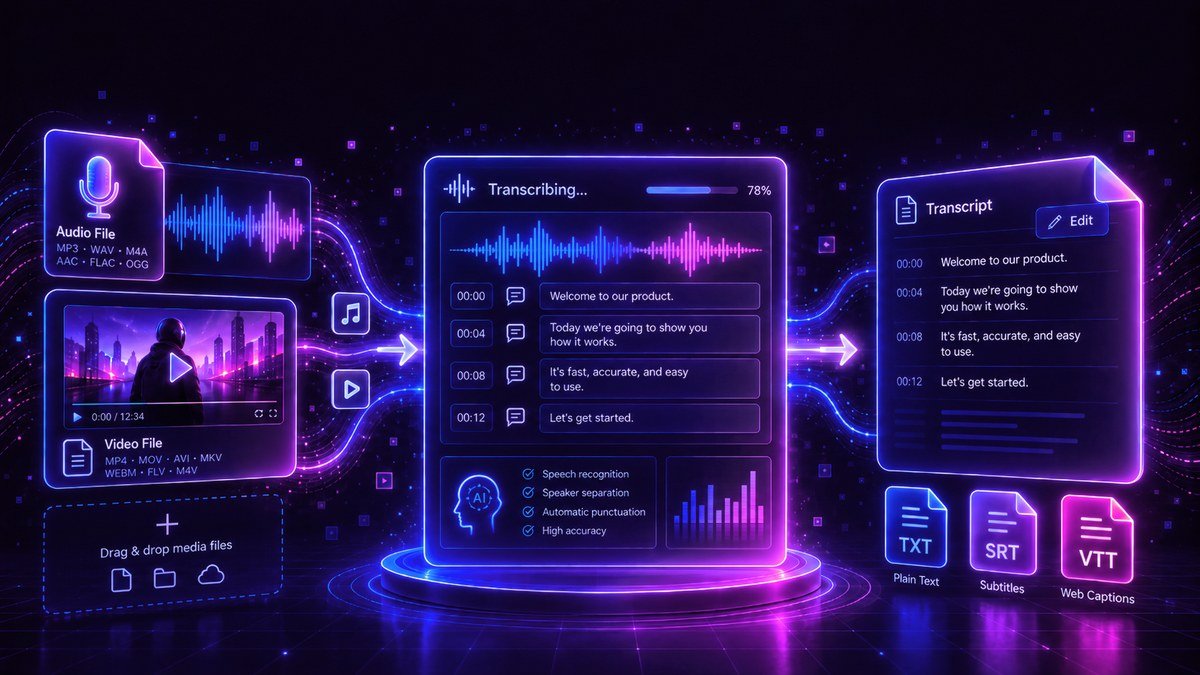
Video Transcription
Turns speech into timed caption lines you can correct on screen before exporting. Every line keeps its own start and end, so fixing a word does not knock the timing out.
Export as SubRip (.srt) or SubViewer (.sbv) for upload, WebVTT (.vtt) for a web player, or plain and timed text for a transcript somebody will read.
Text Video Maker
Animates text over a photograph or a flat colour and gives you back a video clip or a still image. You choose how the words arrive, how long they stay, the type, the alignment and the background, and can lay a sound under it.
This is the one for the short pieces around the main edit: an intro, a title card, an end slate, a quote to post on its own.
Video Packaging
Designed for horizontal, long-form videos, this upcoming tool will generate thumbnail concepts and title ideas from a video topic. It is currently under construction.
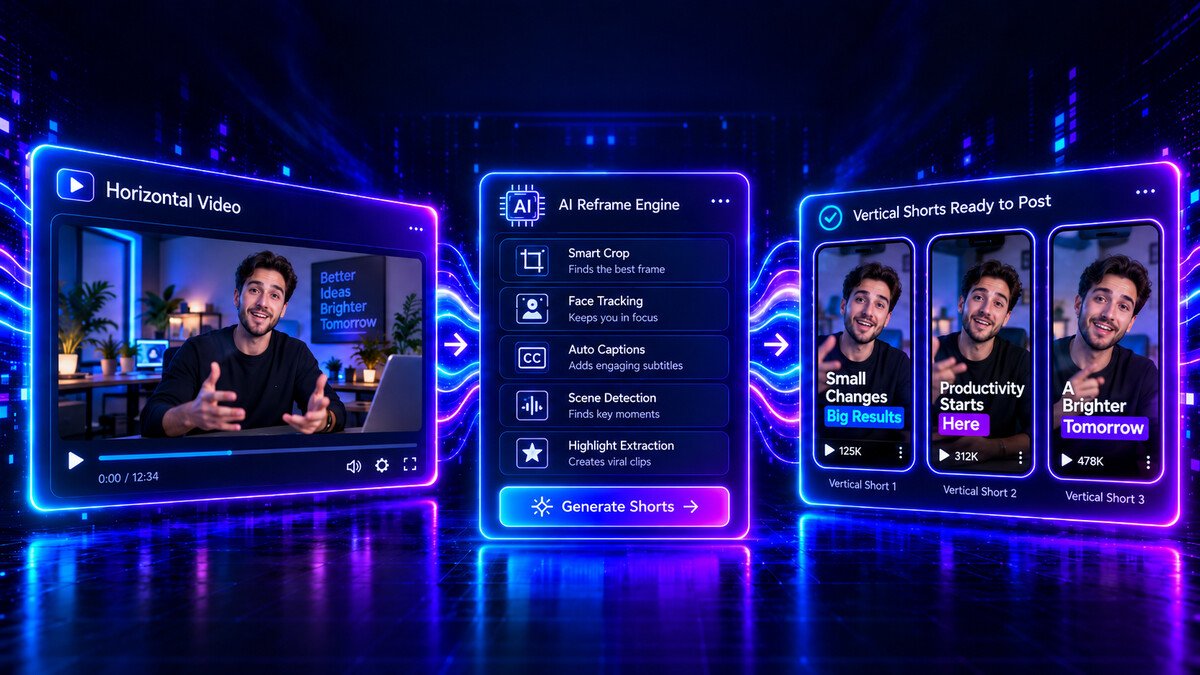
Short Editor
Create vertical shorts in the desktop app from one horizontal video. Select multiple cuts on linked video and audio timelines, choose framing, audio and transitions, then render each short individually.